IT Pro Tutorials
Traditional VPNs route all traffic through a central server. Your laptop in Madrid connects to a VPN server in Frankfurt, and from there reaches a file server in London. Every packet takes the detour. That server is your single point of failure, your bandwidth bottleneck, and your scaling problem.
Mesh VPNs throw out that model. Instead of a central server, every device connects directly to every other device through encrypted peer-to-peer tunnels. The sysadmin in Madrid reaches the London file server directly — no detour, no bottleneck, no single point of failure.
If you manage distributed infrastructure, remote teams, or multi-site networks, mesh VPNs are probably the most impactful networking shift you can make in 2026. Here’s how they work and which tools are worth your time.
How a Traditional VPN Works (Hub-and-Spoke)
In a traditional VPN, everything revolves around a central server:
[Laptop A] ──→ [VPN Server] ──→ [File Server]
[Laptop B] ──→ [VPN Server] ──→ [File Server]
[Laptop C] ──→ [VPN Server] ──→ [Database]
Every client connects to the VPN server. All traffic routes through it. If Laptop A wants to send data to Laptop B, that data goes through the server even if both laptops are sitting on the same office network.
This works fine when:
- You have a single office or data center
- A small number of remote workers connect inward
- You need a simple “road warrior” remote access setup
It breaks down when:
- You have multiple offices or remote sites
- Devices need to communicate with each other, not just with a central resource
- The central server becomes a bandwidth bottleneck or latency issue
- That server goes down and your entire remote workforce is disconnected
How a Mesh VPN Works (Peer-to-Peer)
A mesh VPN creates direct, encrypted tunnels between devices:
[Laptop A] ←──→ [Laptop B]
 ↕ ↕
[File Server] ←──→ [Database]
Each device (called a node or peer) runs a lightweight agent. The agent establishes WireGuard tunnels directly to other peers. Traffic flows point-to-point — no central server in the data path.
The Coordination Server
Mesh VPNs still need a coordination component, but it’s fundamentally different from a VPN server. The coordination server (sometimes called the control plane or management server) handles:
- Peer discovery: Telling devices about each other’s existence
- Key exchange: Distributing WireGuard public keys so peers can authenticate
- NAT traversal assistance: Helping peers behind firewalls find each other (via STUN/TURN)
- Access policies: Defining which peers can talk to which other peers
The critical difference: the coordination server never sees your actual traffic. Data flows directly between peers through encrypted WireGuard tunnels. The coordination server only handles metadata and negotiation.
What Happens When Direct Connection Fails?
Sometimes two devices can’t establish a direct connection — both are behind restrictive NAT, or one is on a corporate network that blocks UDP. In these cases, mesh VPNs fall back to relay servers (TURN servers) that forward encrypted traffic between peers.
The traffic is still encrypted end-to-end through WireGuard. The relay can’t see the content. It’s slower than a direct connection, but it ensures connectivity when peer-to-peer fails.
Good mesh VPN tools (NetBird, Tailscale) handle this transparently. You don’t configure it — the agent tries direct connection first, falls back to relay automatically, and upgrades to direct whenever possible.
Mesh VPN vs Traditional VPN: When Each Wins
| Factor | Traditional (Hub-and-Spoke) | Mesh (Peer-to-Peer) |
|---|---|---|
| Traffic path | Through central server | Direct between peers |
| Single point of failure | Yes (the server) | No (distributed) |
| Bandwidth bottleneck | Yes (server bandwidth) | No (peer bandwidth) |
| Latency | Higher (extra hop) | Lower (direct path) |
| Scaling | Scale the server | Scales with peers |
| Same-network traffic | Routes through server | Stays local |
| Setup complexity | Simple (one server) | Moderate (agents on each device) |
| Best for | Small team, single site | Distributed teams, multi-site |
When Traditional Still Makes Sense
Don’t switch to mesh networking for the sake of it. A traditional WireGuard or OpenVPN server is the right choice when:
- You have fewer than 10 remote users connecting to a single office
- Your use case is genuinely “road warrior” remote access
- You want the simplest possible setup (one server, done)
- You need all traffic to egress through a specific IP (compliance, geo-restriction)
When Mesh Is the Clear Winner
Mesh VPNs shine when:
- Multiple locations need to communicate (offices, data centers, cloud regions)
- Remote teams need to reach shared resources without a central bottleneck
- Devices need to talk to each other, not just to a central server
- You’re scaling and don’t want to upgrade a central server every time you add users
- Resilience matters — no single point of failure
Zero-Trust Meets Mesh: The Modern Standard
The best mesh VPN tools in 2026 don’t stop at peer-to-peer connectivity. They add zero-trust access controls on top.
In a traditional VPN, being “on the network” grants broad access. If you can connect to the VPN, you can reach most resources. That’s a security problem — a compromised laptop on the VPN can scan and reach everything.
Zero-trust mesh VPNs add identity-based policies:
- Users authenticate through an identity provider (SSO/OIDC)
- Policies define which user groups can reach which resources
- Access is evaluated per-connection, not per-network-membership
- Being “on the VPN” doesn’t mean access to everything
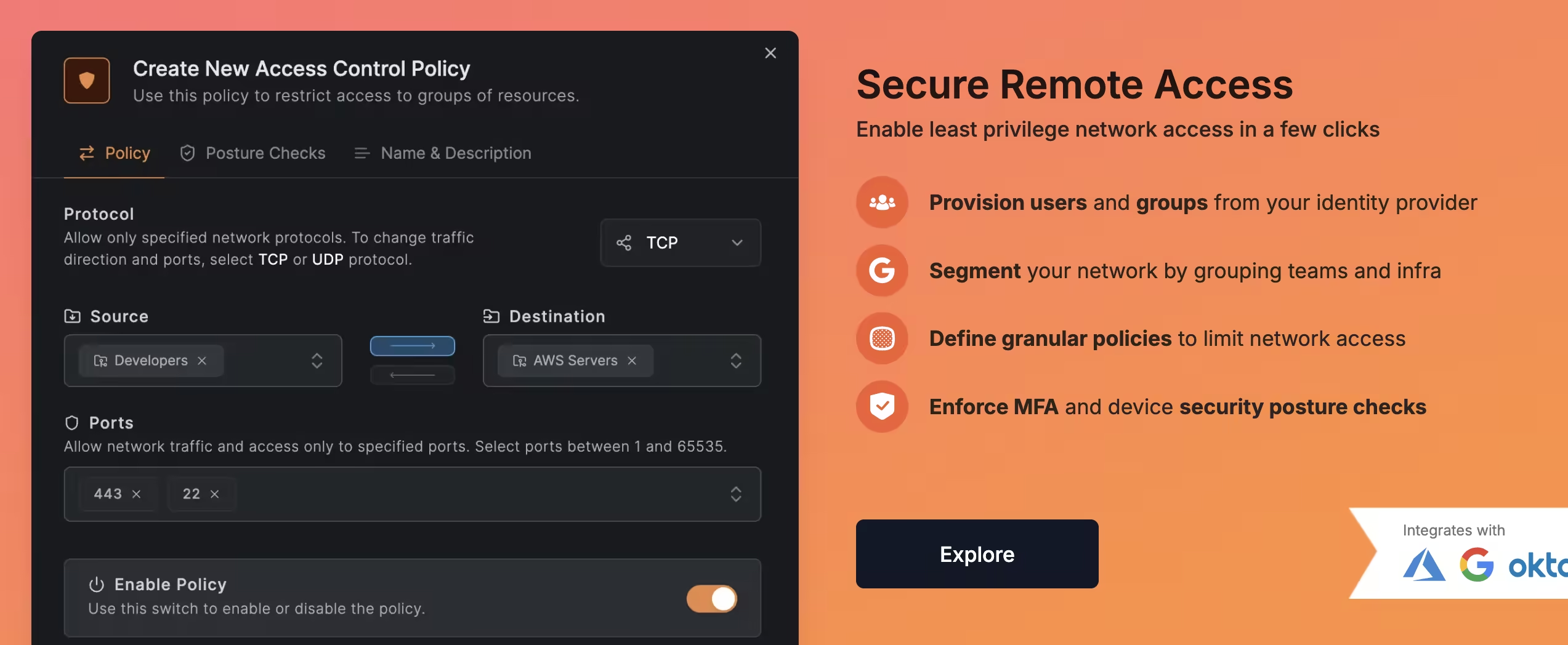
This is where tools like NetBird differentiate themselves. NetBird combines WireGuard mesh networking with zero-trust access policies in a single platform. You define who can reach what, and the platform enforces it at the network level. For a sysadmin managing 20-50 users with different access needs, this eliminates an entire class of security risks.
Best Mesh VPN Tools Compared
| Tool | Protocol | Self-Hostable | Zero-Trust | License | Best For |
|---|---|---|---|---|---|
| NetBird | WireGuard | Yes (full) | Yes | BSD-3 | IT teams, SMBs |
| Tailscale | WireGuard | No (Headscale for control plane) | ACL-based | Source-available | Quick setup, small teams |
| ZeroTier | Custom | Partial | Network rules | BSL 1.1 | L2 networking, IoT |
| Netmaker | WireGuard | Yes | ACL-based | SSPL | Complex multi-site |
| Nebula | Custom | Yes | Certificate-based | MIT | Large-scale infrastructure |
NetBird
Our pick for IT teams. Full mesh, full zero-trust, full self-hosting. The Control Center gives you visual network management, and the CLI/API lets you automate everything. Works smoothly across a broad range of use cases — from connecting branch offices to giving remote workers secure access to internal file servers.
Read our hands-on NetBird review for the full picture.
Tailscale
The most polished mesh VPN experience. Download, sign in, done. Excellent client support across platforms. The trade-off: proprietary control plane that you can’t self-host. For personal use and small teams that don’t need self-hosting, it’s hard to beat. See our NetBird vs Tailscale comparison for a detailed breakdown.
ZeroTier
The outlier. ZeroTier operates at Layer 2 instead of Layer 3, creating virtual Ethernet networks. This means multicast, mDNS, and broadcast work across the network — something no other tool on this list supports natively. If you need LAN-like behavior across the internet (IoT device discovery, Chromecast, AirPlay), ZeroTier is your only option. Uses a custom protocol instead of WireGuard.
Netmaker
The power tool. Full WireGuard mesh with egress gateways, relay nodes, and advanced routing. More complex to deploy and manage, but gives you the most control over your network topology. SSPL license (not OSI-approved open source).
Nebula
Built by Slack for connecting global infrastructure. Certificate-based authentication, no central coordination needed after initial setup. MIT-licensed, proven at massive scale. No web UI, no user-friendly management — it’s YAML config files and certificate management. Built for DevOps teams, not for quick deployments.
How to Get Started
If you’ve never used a mesh VPN, the fastest path to understanding is to deploy one:
- Sign up for NetBird’s free cloud tier (5 users, 100 machines, no credit card). Install the agent on two devices. Watch them find each other and establish a direct WireGuard tunnel. Access one from the other by its NetBird IP or hostname.
- Create an access policy. Define a group, assign users, and restrict which resources the group can reach. See zero-trust in action.
- Try the CLI. Run
netbird statusto see your peers. Use the API to list policies. This is where mesh VPN management becomes scriptable and automatable.
The whole process takes under 10 minutes. Once you see two devices connected peer-to-peer without port forwarding, without a VPN server, without config files — the value proposition is obvious.
For the full comparison of self-hosted VPN options (including traditional client-server tools), see our complete guide to the best self-hosted VPN solutions in 2026. For more Tailscale-specific alternatives, see our Tailscale alternatives roundup.
Frequently Asked Questions
What Is a Mesh VPN in Simple Terms?
A mesh VPN connects your devices directly to each other through encrypted tunnels, instead of routing all traffic through a central server. Each device talks peer-to-peer. A coordination server handles discovery and key exchange but never touches your actual data.
Is a Mesh VPN Better Than a Regular VPN?
For distributed teams and multi-site networks, yes. Mesh VPNs eliminate the central bottleneck, reduce latency, and scale without upgrading a server. For a single user connecting to one office, a traditional VPN is simpler and sufficient.
Is Mesh VPN Secure?
Yes. Most mesh VPNs use WireGuard for encryption, which is built on modern, audited cryptographic primitives. Traffic is encrypted end-to-end between peers. The coordination server handles only metadata, not traffic content. Adding zero-trust policies (like NetBird’s identity-based access controls) makes it more secure than a traditional VPN.
Do I Need a Mesh VPN for a Home Lab?
Not necessarily. If you’re accessing one server from one or two devices, a simple WireGuard tunnel (WG-Easy) is enough. If you want multiple devices to see each other from anywhere — laptop, phone, NAS, Raspberry Pi — a mesh VPN makes that effortless.